Data Providers
Binance
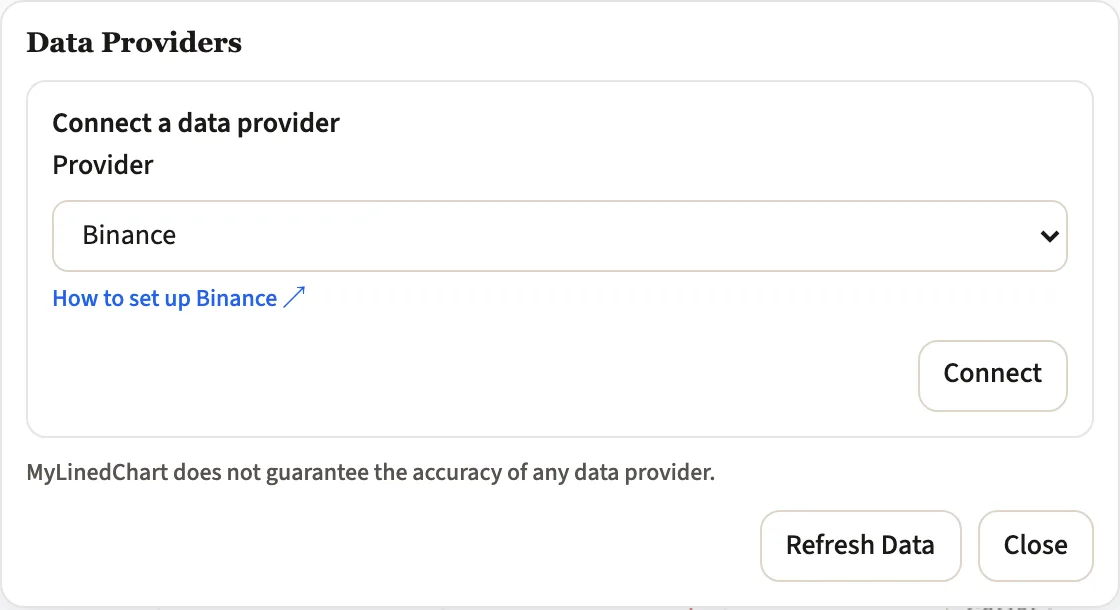
Chart Binance in MyLinedChart without an account or an API key, then export your drawings and indicator values as data.
Quick Facts
- What you provide
- Nothing
- How the connection works
- Directly in the app, no extra process to run
- Where your credentials live
- None needed
- Trading
- Read only. MyLinedChart never places, modifies or cancels an order.
- Chart Binance without an account, an API key, or a signup. The app reads public market data.
- Draw your levels, zones and notes on Binance data, and they stay attached to the chart with their dates and prices.
- Export the whole chart as XLSX, CSV or JSON, with drawings, notes, indicator values and bars carried out together.
- Hand the live Binance chart to an AI agent you already use, including Claude, Codex, Cursor and GitHub Copilot in VS Code.
- Spot and derivatives symbols, on the same charting and export toolkit as every other provider.