
Article
Watchlist Widgets: iPhone, Android, Windows and Watch
MyLinedChart's watchlist widget puts your watchlist's latest prices on the iPhone Home Screen and Lock Screen, Android home screens, the Windows 11 Widgets board, Apple Watch and Wear OS. Each widget shows the symbols from your MyLinedChart watchlist with their last price, change and the time the prices were captured, and opens the app to that chart when you tap it.

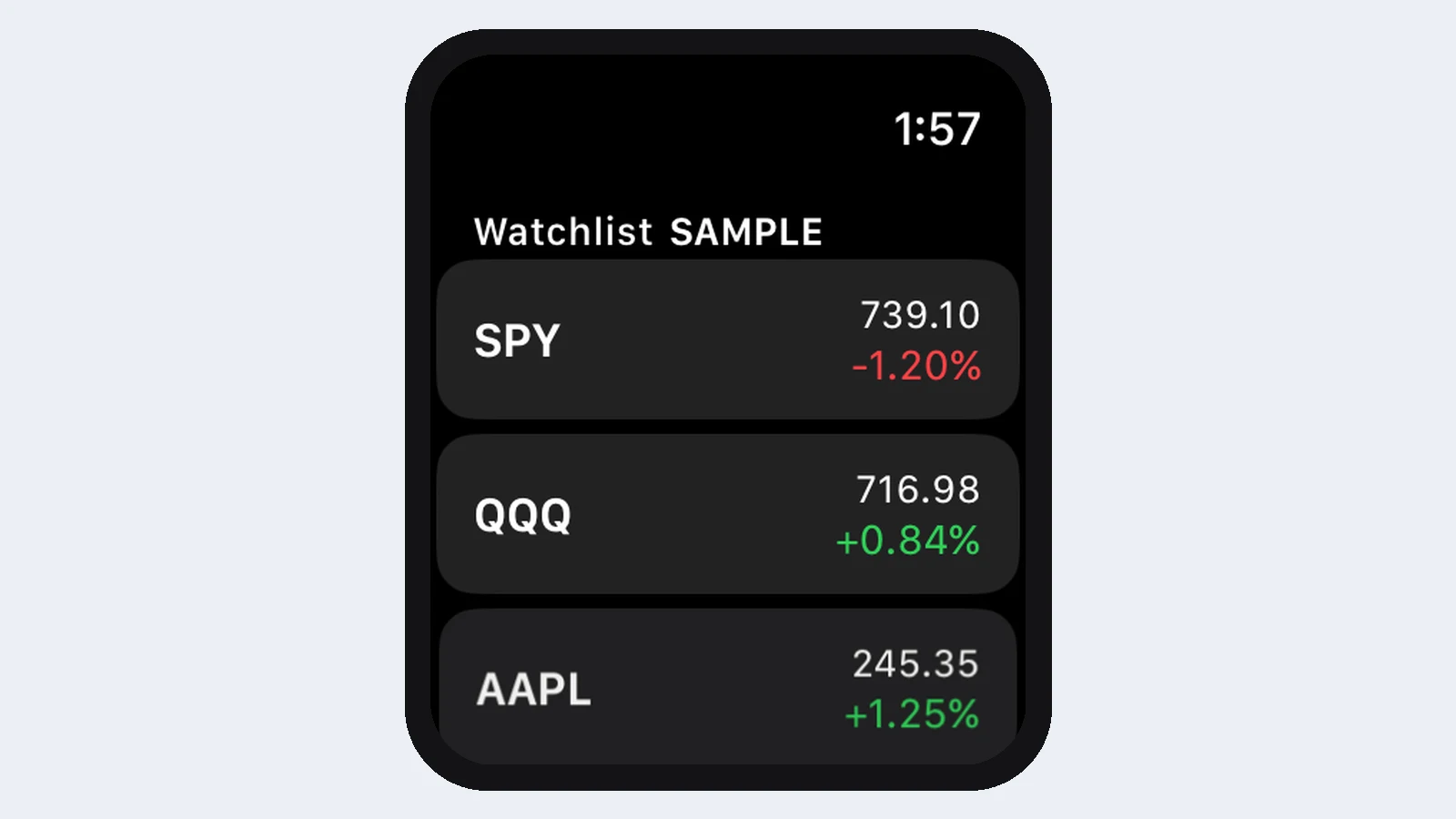
A watchlist is most useful when you do not have to open anything to see it. The MyLinedChart widget puts it on your home screen, your lock screen, your desktop's Widgets board and your wrist.
Short Answer
Add the MyLinedChart Watchlist widget the way you add any widget on your device. It shows the symbols from your MyLinedChart watchlist with their latest prices and the time those prices were captured.
Where it runs
- iPhone and iPad: Home Screen (small, medium) and Lock Screen (rectangular, inline).
- Apple Watch: rectangular, inline, circular and corner complications.
- Android phones and tablets: home-screen widget in several sizes.
- Wear OS: a watch-face complication.
- Windows 11: the Widgets board.
How fresh are the prices
Widgets show what the app last fetched from your data provider, with the capture time next to it. Operating systems limit how often a widget can refresh on its own, so the capture time tells you exactly how current the numbers are.
Next Step
Build a watchlist in MyLinedChart, then add the widget. The symbols you star in the app, including open positions you add from the Positions panel, appear on the widget.
FAQ
Does the widget need the app open?
No. It shows the prices the app last captured, with the time they were captured.
Can I change which symbols it shows?
It follows your active MyLinedChart watchlist. Change the watchlist and the widget follows.
Does it work on Windows 10?
The Widgets board is a Windows 11 feature, so the Windows widget needs Windows 11.
Sample Structured Chart-Data Exports
Review how chart drawings, annotations, OHLC, volume, and execution context become reusable structured data.