
Article
Using AI With MyLinedChart Exports to Draft Better Trading Articles
Use AI as a drafting assistant for trading articles by giving it structured MyLinedChart context instead of vague screenshots or unsupported prompts.

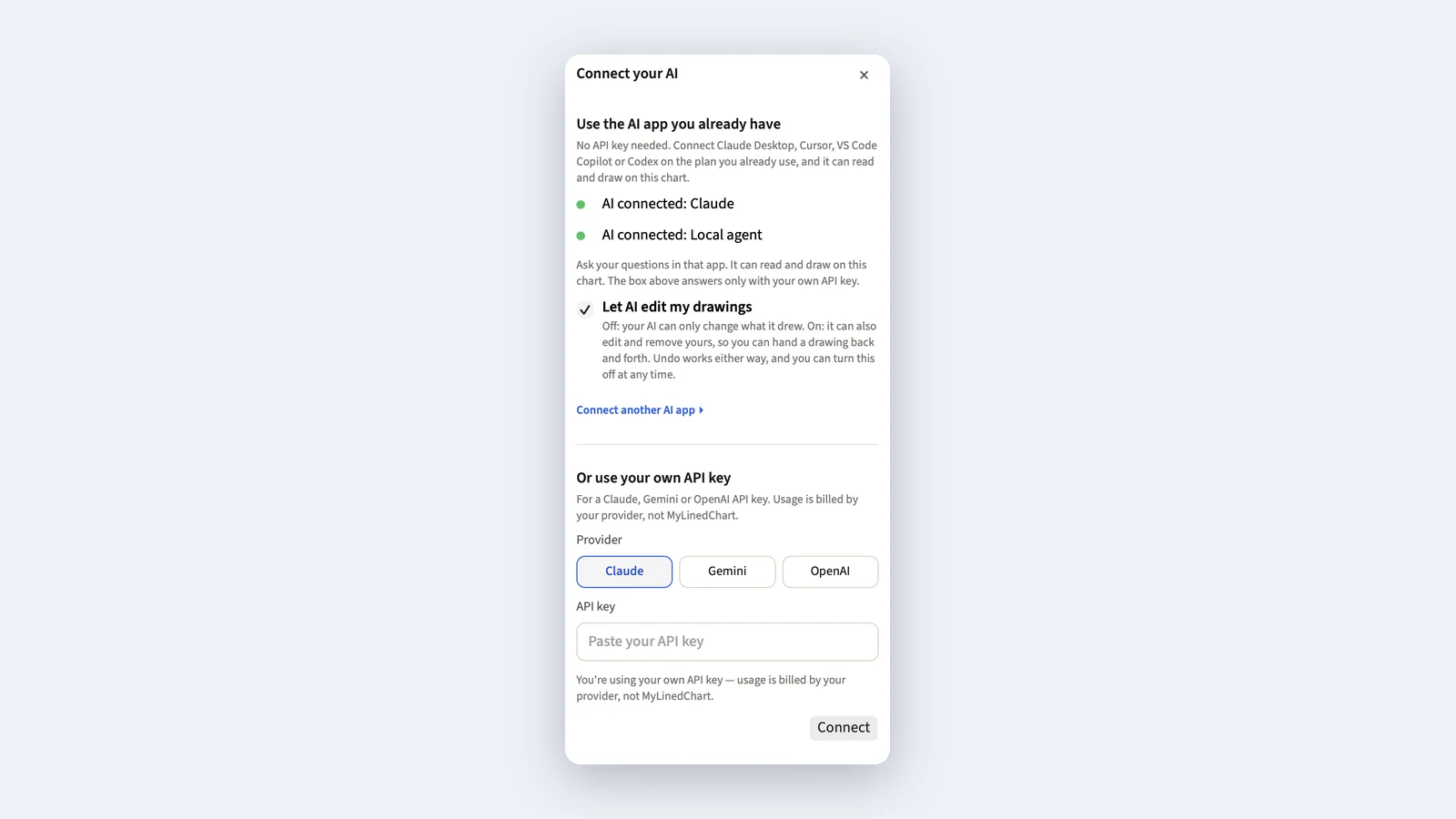
AI can help draft trading articles when the input is specific. The safer and more useful workflow is not to ask AI for trading opinions. It is to give AI structured chart context and ask for outlines, summaries, section drafts, or editing support.
The Safer AI Role
AI should not be treated as a trading authority. It can help organize source material, draft article outlines, identify missing context, and rewrite sections for clarity.
The trader remains responsible for accuracy, judgment, compliance, and publishing decisions.
| AI Task | Good Use | Human Check |
|---|---|---|
| Outline | Turn notes into a post structure | Confirm the lesson is accurate |
| Summary | Condense chart context | Check for missing assumptions |
| Draft | Write a first-pass section | Edit voice, claims, and risk language |
| Checklist | List what a reader should inspect | Remove unsupported advice |
| FAQ | Answer common reader questions | Keep answers conservative |
Give AI Better Inputs
A vague prompt produces vague writing. A useful prompt includes the chart context, notes, level descriptions, timeframe, setup label, review conclusion, and limits on what the AI is allowed to infer.
MyLinedChart can help by making those fields more available before the prompt is written.
For an IBKR-specific version of the same handoff, use Using Codex or Claude Code With IBKR Chart Data to keep Codex and Claude Code focused on structured chart data, prompts, schemas, and review rules.
- Provide the chart note and setup label.
- Explain what the marked level means.
- State the article audience.
- Ask for an outline before a full draft.
- Tell AI not to invent trading advice or missing facts.
A Practical Prompt Pattern
Use this pattern: here is my chart context, here are the notes and labels, here is the reader problem, draft an outline and identify any missing information. Do not add trading advice or invent data.
That keeps the AI work tied to the trader's source material.
FAQ
Can AI write trading articles from MyLinedChart exports?
AI can help draft and organize content from structured context, but the trader must review accuracy, claims, and final publishing decisions.
Should AI give trade recommendations in the article?
No. Use AI for writing support, not trading advice or risk decisions.
What input should I give AI first?
Start with the chart context, notes, setup label, reader problem, and the exact output you want, such as an outline or section draft.
Sample Structured Chart-Data Exports
Review how chart drawings, annotations, OHLC, volume, and execution context become reusable structured data.